Access requests, policy approvals, and system changes all depend on clear ownership. Decision Desk helps IT teams capture every decision — what was approved, who made the call, and why — without ever leaving Slack.
Learn how teams use Decision Desk:

Access requests, policy approvals, and system changes all depend on clear ownership. Decision Desk helps IT teams capture every decision — what was approved, who made the call, and why — without ever leaving Slack.
Learn how teams use Decision Desk:
You’ve felt this before
A department requests new access.
Finance wants a new integration.
Someone updates permissions without approval.
Then something breaks and IT gets blamed. It’s not a systems problem. It’s a decision problem.
You’re responsible for execution but rarely own the decisions that drive it.
And without visibility into who said “yes” (or when), you’re stuck cleaning up confusion you didn’t create.
Clarity
Where IT teams lose clarity
Unclear ownership: Nobody knows who can approve access or changes.
Lost context: Approvals happen in DMs or tickets, then disappear.
Delayed decisions: Projects stall while waiting for security or compliance reviews.
IT isn’t slow — decisions are.
Momentum
What changes when decisions are visible
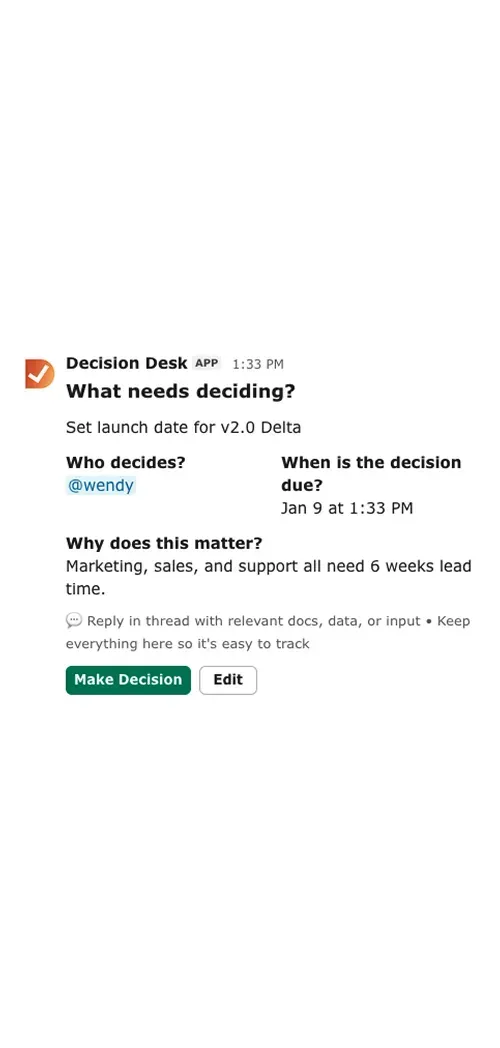
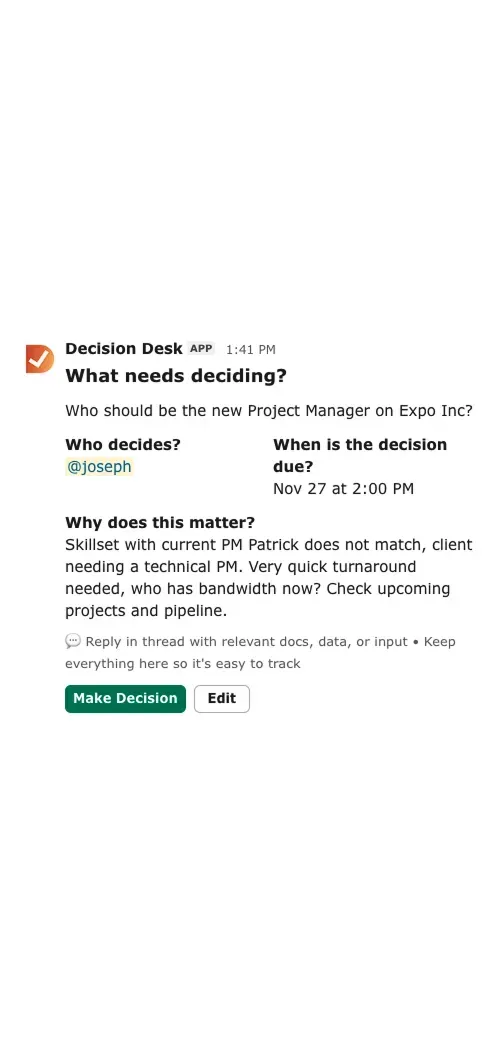
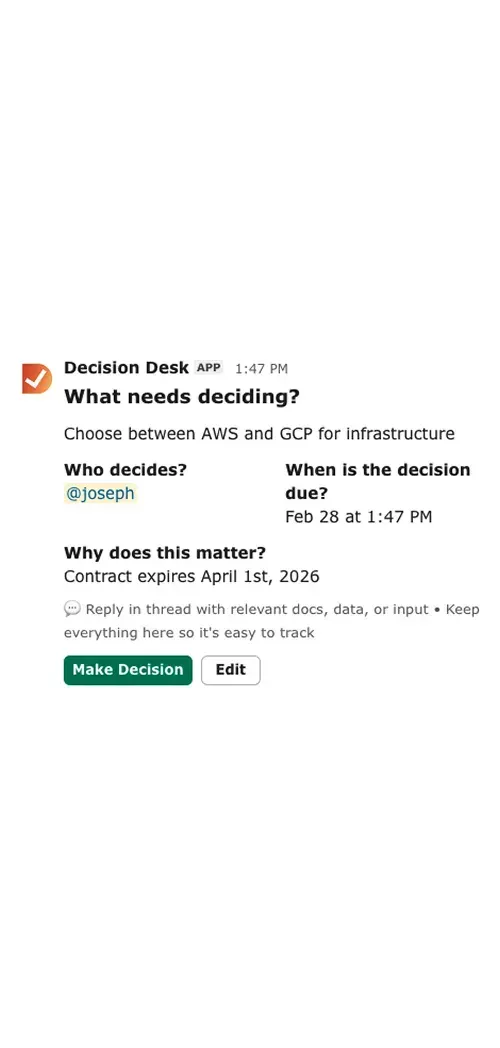
Every approval and change has a clear owner and timestamp.
Access requests move faster with documented accountability.
Policy and security calls are visible across teams.
IT stops being the bottleneck and starts being the enabler.
When everyone can see what’s been decided, IT stops being reactive and starts driving confidence.
Control
How Decision Desk fits in
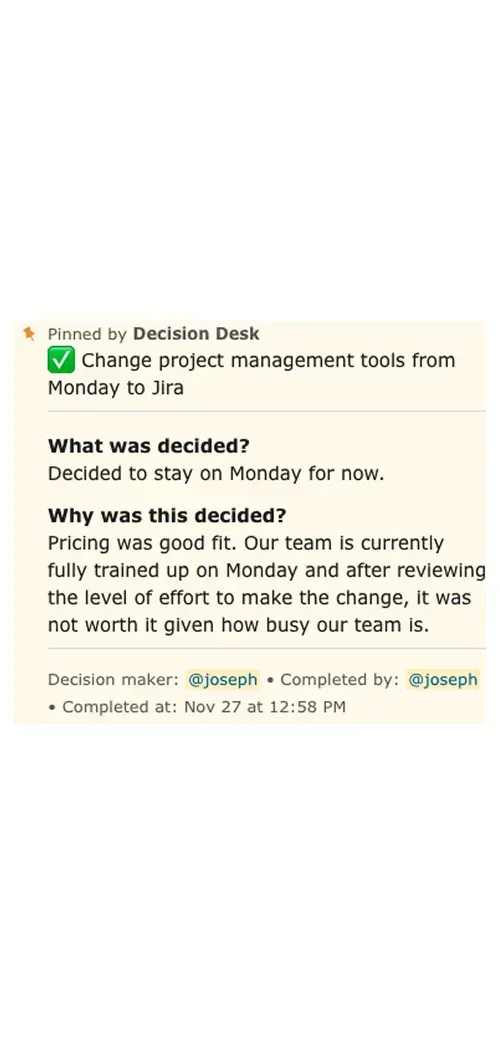
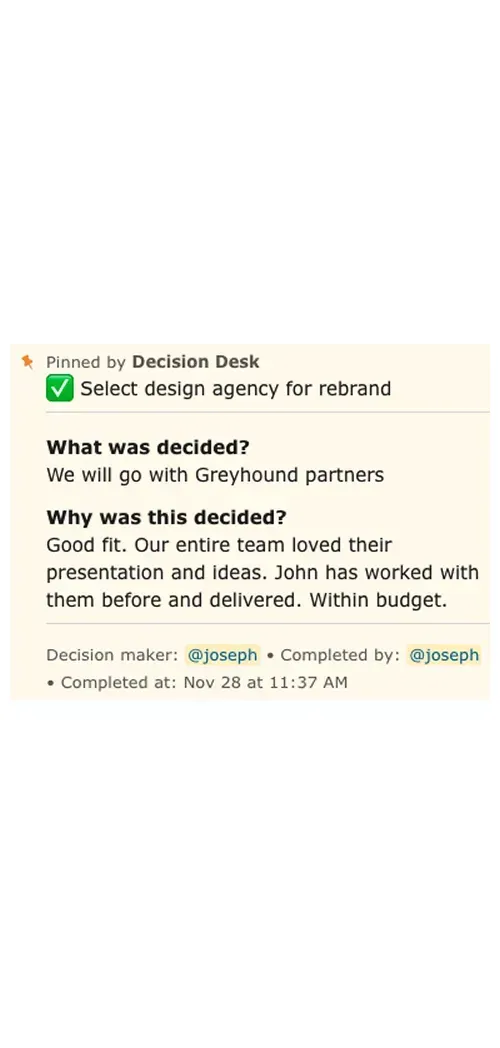
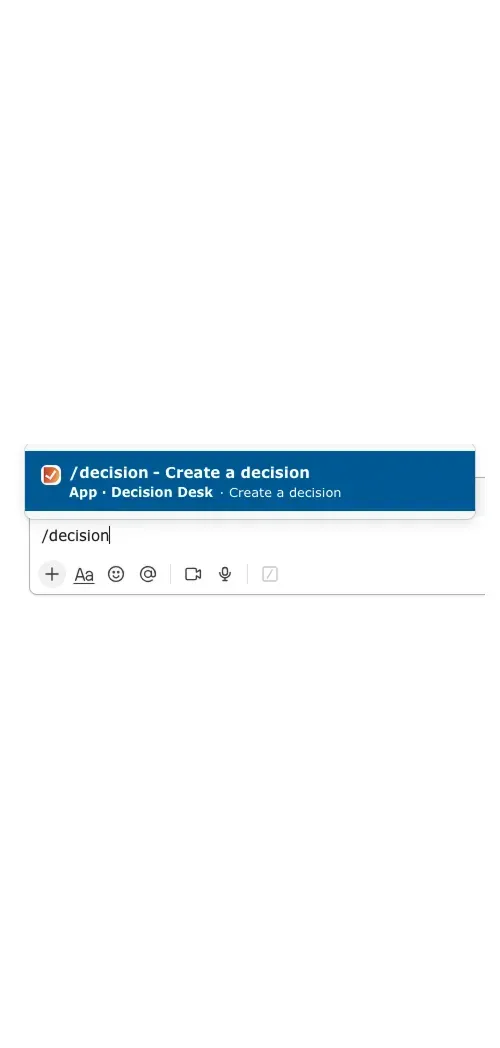
Decision Desk helps IT and tech teams track decisions directly in Slack — no new tools, no friction.
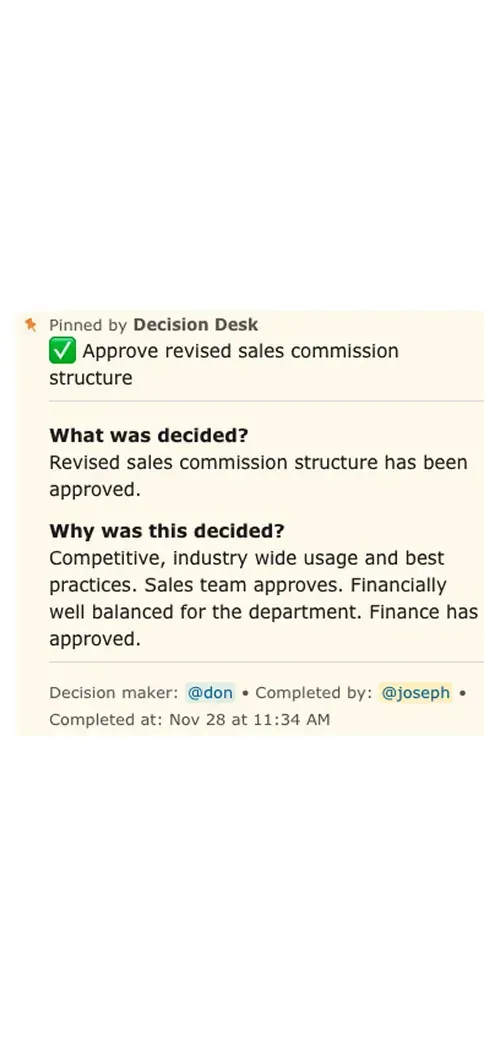
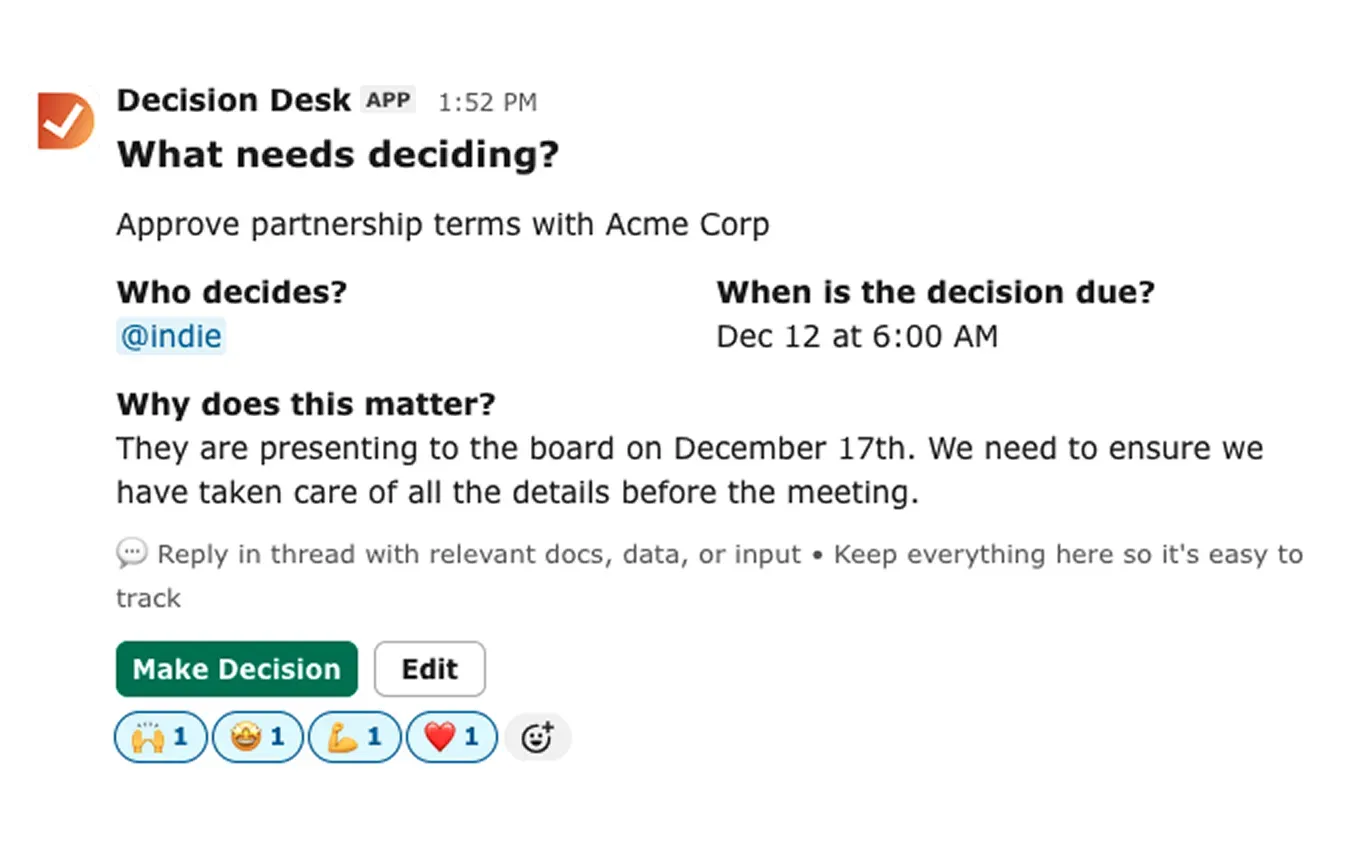
Each decision includes:
What’s being decided
Who made the call
When it’s approved or due
Why it matters
From access approvals to vendor reviews, everything is captured, searchable, and transparent.
That means fewer “who approved this?” moments and more proactive governance.

Why it matters
During onboarding: track access and system setup approvals.
During incident reviews: record who authorized changes or responses.
During audits: instantly show a record of decisions and rationale.
The more you capture, the stronger your compliance and confidence become. IT runs on trust, not guesswork. When decisions are clear, systems stay secure, and people move faster.
Decision Desk helps IT teams balance control and speed — giving visibility without the bottlenecks. Because IT shouldn’t have to chase decisions to do their job well.
What You’ll See Inside DecisionDesk
Decision log
A searchable record of every decision, owner, and outcome so context is never lost.
Ownership dashboard
See which decisions are in progress or completed, and who’s responsible.
Automated reminders
Keep owners accountable with scheduled nudges that never feel manual.
Slack integration
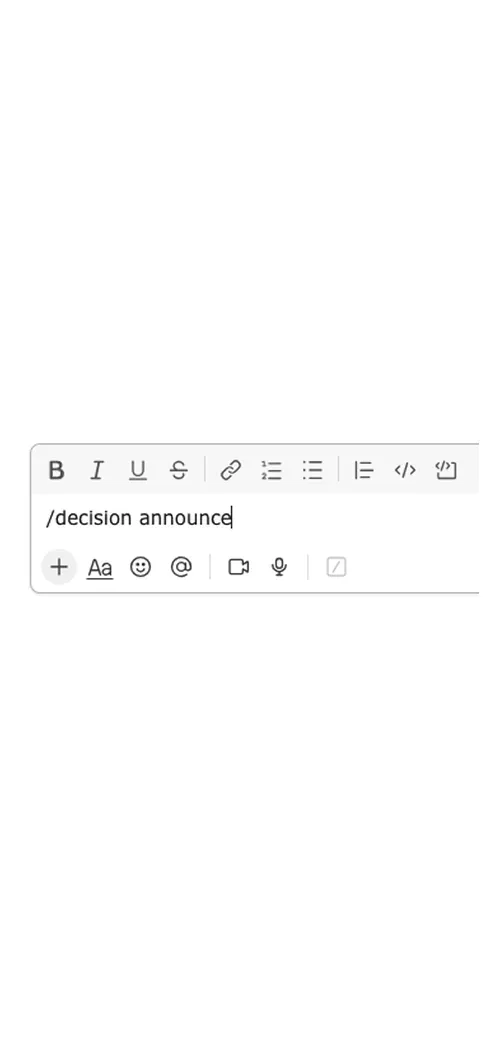
Capture and update decisions directly from the conversation where they happen.
Explore how teams use Decision Desk
See how different teams turn decisions into action with clarity and accountability.

Keep projects moving with clear, documented decisions that everyone can see, trust, and act on.

Keep campaign and creative decisions moving fast without losing alignment or context.

Give leadership teams visibility into what’s decided, what’s pending, and who owns it — turning alignment into measurable follow-through.

Capture decisions on renewals, onboarding, and escalations so customers always feel informed and supported.
Keep cross-functional decisions aligned and documented, so everyone moves together.

Keep product and engineering aligned by capturing every decision — what was decided, why it mattered, and who made the call.

Keep sales deals moving by capturing every approval, pricing call, and internal decision directly inside Slack.

Keep people decisions fair, consistent, and visible by capturing approvals, policies, and context in one shared place.

Help teams capture, assign, and follow through on every call — so alignment never fades.
Frequently asked questions
How does Decision Desk help IT teams day to day?
It keeps every approval, access request, and policy decision visible and traceable inside Slack.
Instead of relying on email or tickets, IT teams can log decisions in seconds, tag owners, and set deadlines — keeping security and operations aligned.
Can it help with access and permission management?
Yes. You can use Decision Desk to track who approved access, when it was granted, and why.
That visibility helps during onboarding, offboarding, and audits — no digging through old messages or spreadsheets.
Does it integrate with our existing IT systems or ticketing tools?
Decision Desk doesn’t replace tools like Jira or ServiceNow — it complements them.
It tracks the human layer of IT decisions that happen around tickets, incidents, or reviews.
That context makes your existing tools more reliable and auditable.
Can it help with security and compliance reviews?
Absolutely. Every decision includes who made the call and when, so you can show approval trails for compliance, audits, or change management reviews.
It builds a living record of accountability without extra admin work.
How does it support IT leadership?
IT leaders get visibility into where decisions are delayed, duplicated, or unclear.
That insight helps identify weak spots in governance, improve cross-department workflows, and prevent costly oversights.
How quickly can we get started?
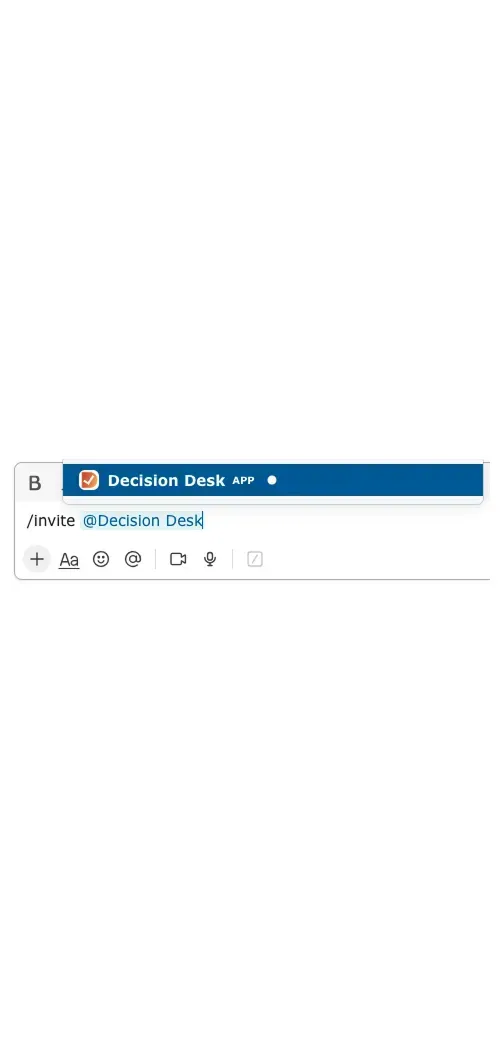
Add Decision Desk to Slack and start logging IT decisions the same day.
No setup, no new accounts, and no IT overhead — just instant visibility across the systems you already use.
Bring clarity to every decision in Slack.
Install Decision Desk and instantly see who's responsible and what's decided.
Start free for 14 days. No credit card required.