Command reference
Five commands. That's all you need.
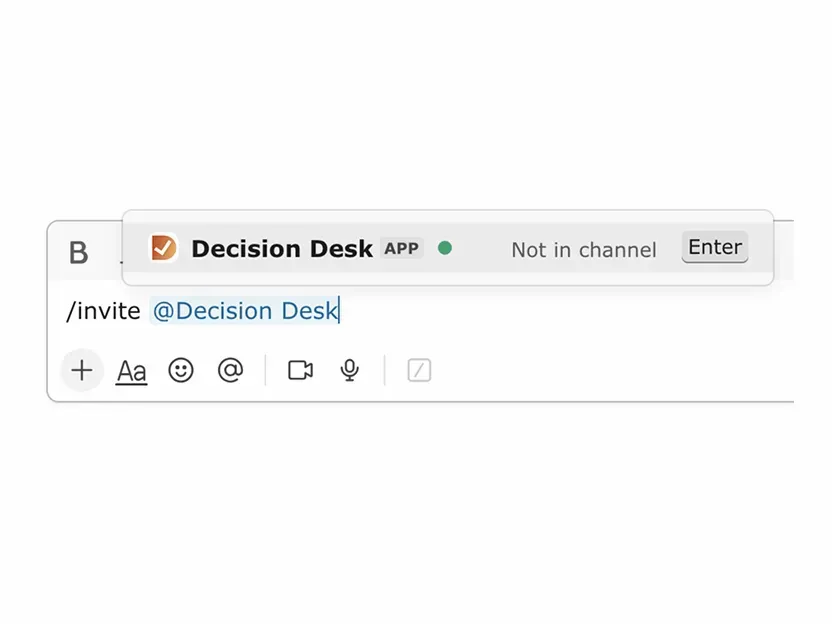
/invite @Decision Desk
Invite Decision Desk to a channel. Required before you can track decisions there.
Example: Type /invite @Decision Desk in #product-team
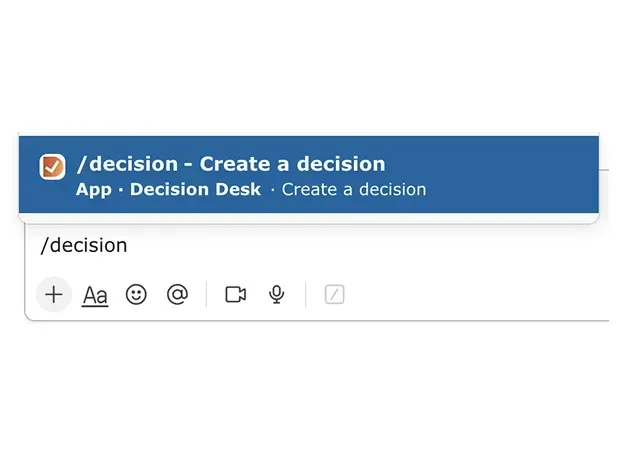
/decision
Create a new decision with an owner and deadline. The owner clicks "Make Decision" when ready to resolve and announce.
Example: Type /decision to open the decision form
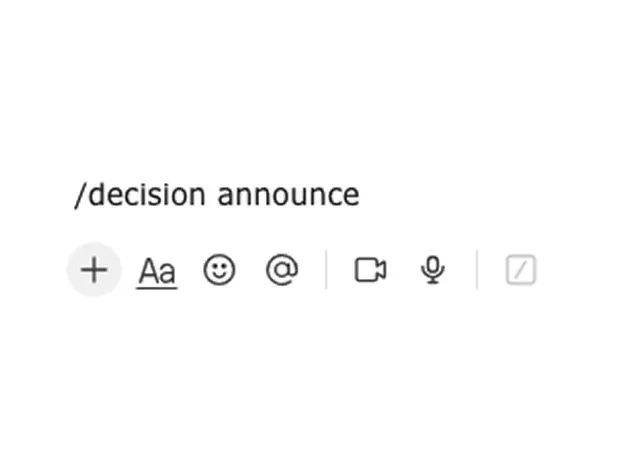
/decision announce
Document a decision that was already made offline. Share it with your team so it's on the record.
Example: Type /decision announce after a call where a decision was made

/decision my
See all your open and overdue decisions across every channel. Use it to stay on top of what you own, no matter where it was created.
Example: Type /decision to view your open + overdue decisions across Slack
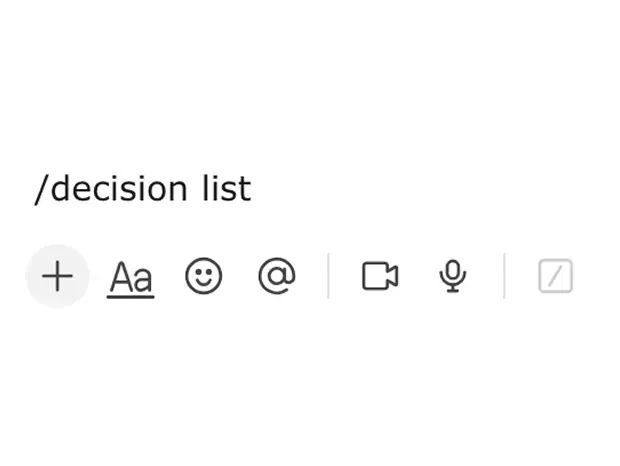
/decision list
See all open and overdue decisions for the current channel. Use it to spot what’s stuck and what needs a decision owner or due date.
Example: Type /decision to view the channel’s open + overdue decisions