How to create a decision
Four fields. Thirty seconds. Full team visibility.
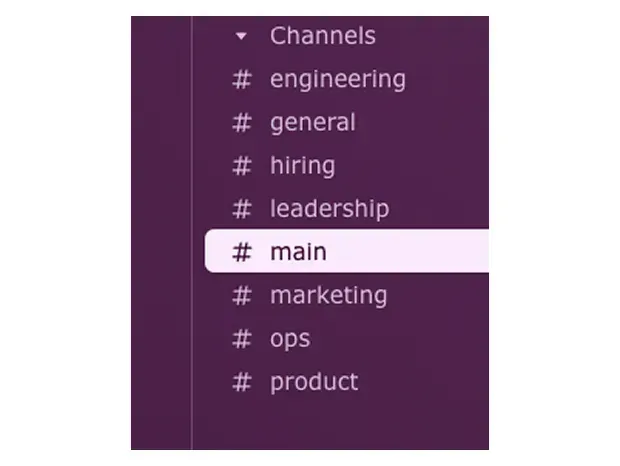
Open any Slack channel
Go to the channel where you want to log the decision. This is usually where the discussion happened.
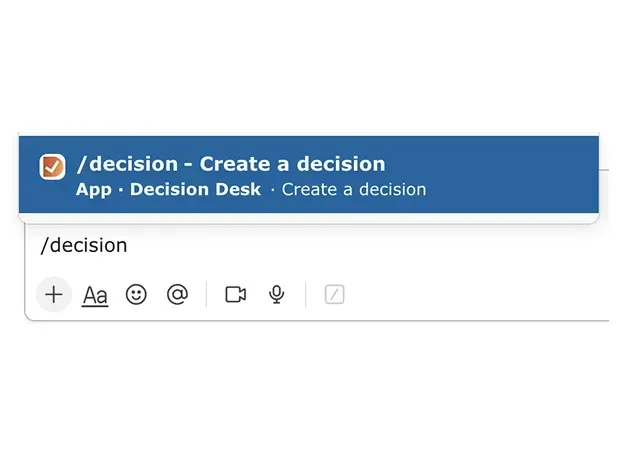
Create your first decision
Type /decision in the channel to log your first decision.
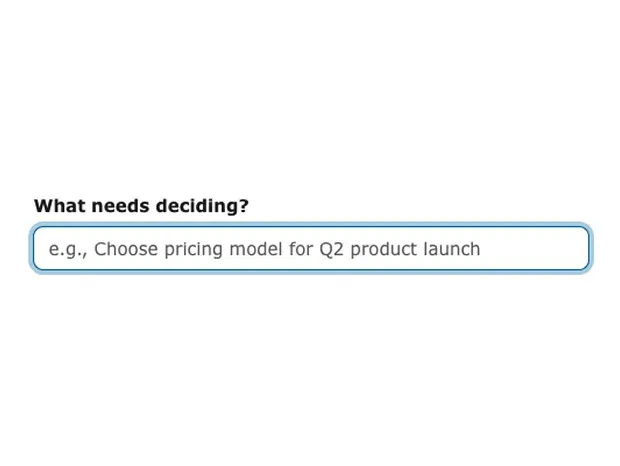
Fill out "What needs deciding?"
Enter a clear, specific title for the decision. This is what your team will see in the channel.
Best practice: Use action-oriented language. "Choose Q1 marketing channel" is better than "Marketing discussion."
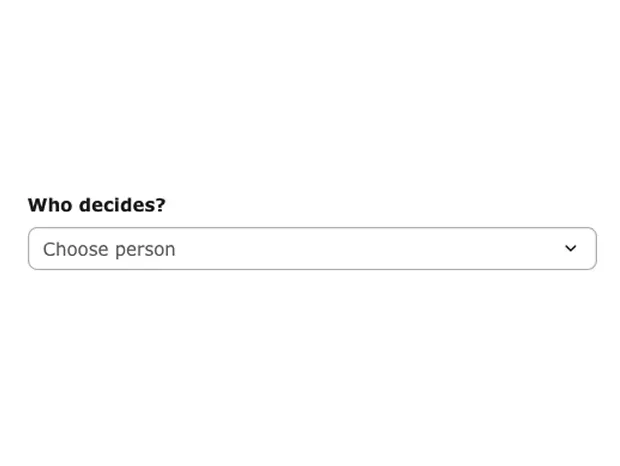
Fill out "Who decides"
Select the person responsible for making the final call. They'll be notified and accountable.
Best practice: One owner only. If it's a group decision, pick the person who will communicate the outcome.
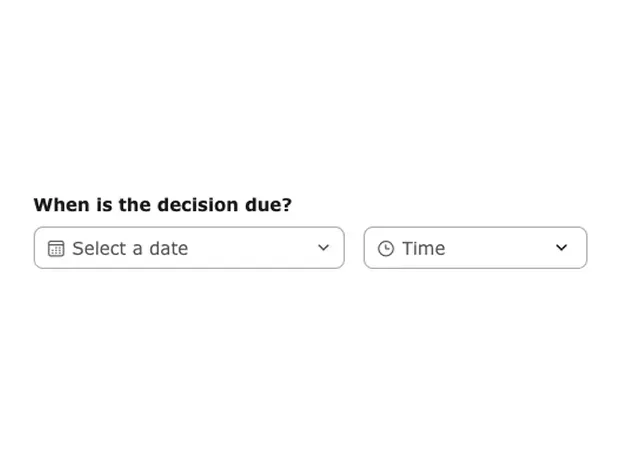
Fill out "When is the decision due?"
Set a deadline to prevent decisions from drifting. You'll get reminders as the date approaches.
Best practice: Be realistic but firm. Most decisions don't need weeks — 48-72 hours keeps momentum.
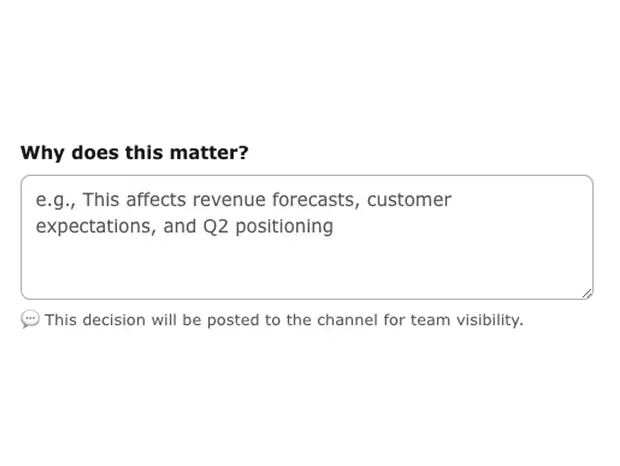
Fill out "Why does this matter?"
Add context so your team understands the stakes. This helps when revisiting the decision later.
Best practice: One to 2 sentences on impact. "Affects Q2 revenue targets". Be precise, direct and include most important points.

You have created your first decision!
Your decision is now live. Decision Desk posts a summary to the channel so everyone has visibility without chasing updates.
Best practice: Let the post do the talking — no need to announce it separately. Your team can react, comment, or check back anytime.